Cull AI Studio — AI photo culling that stays on your computer

Cull a whole shoot in minutes — on your own computer.

Preserve the moments that tell the story.

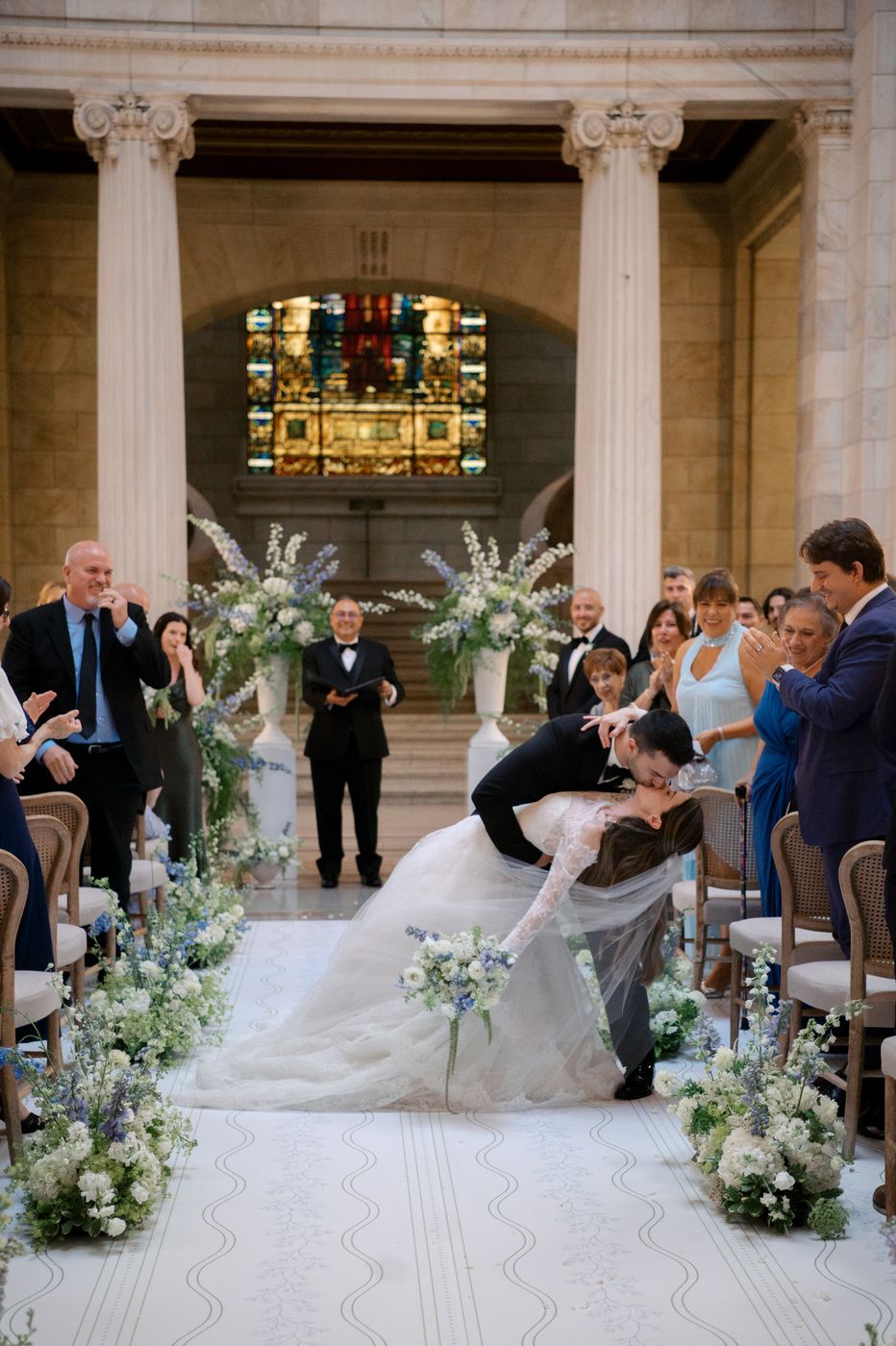
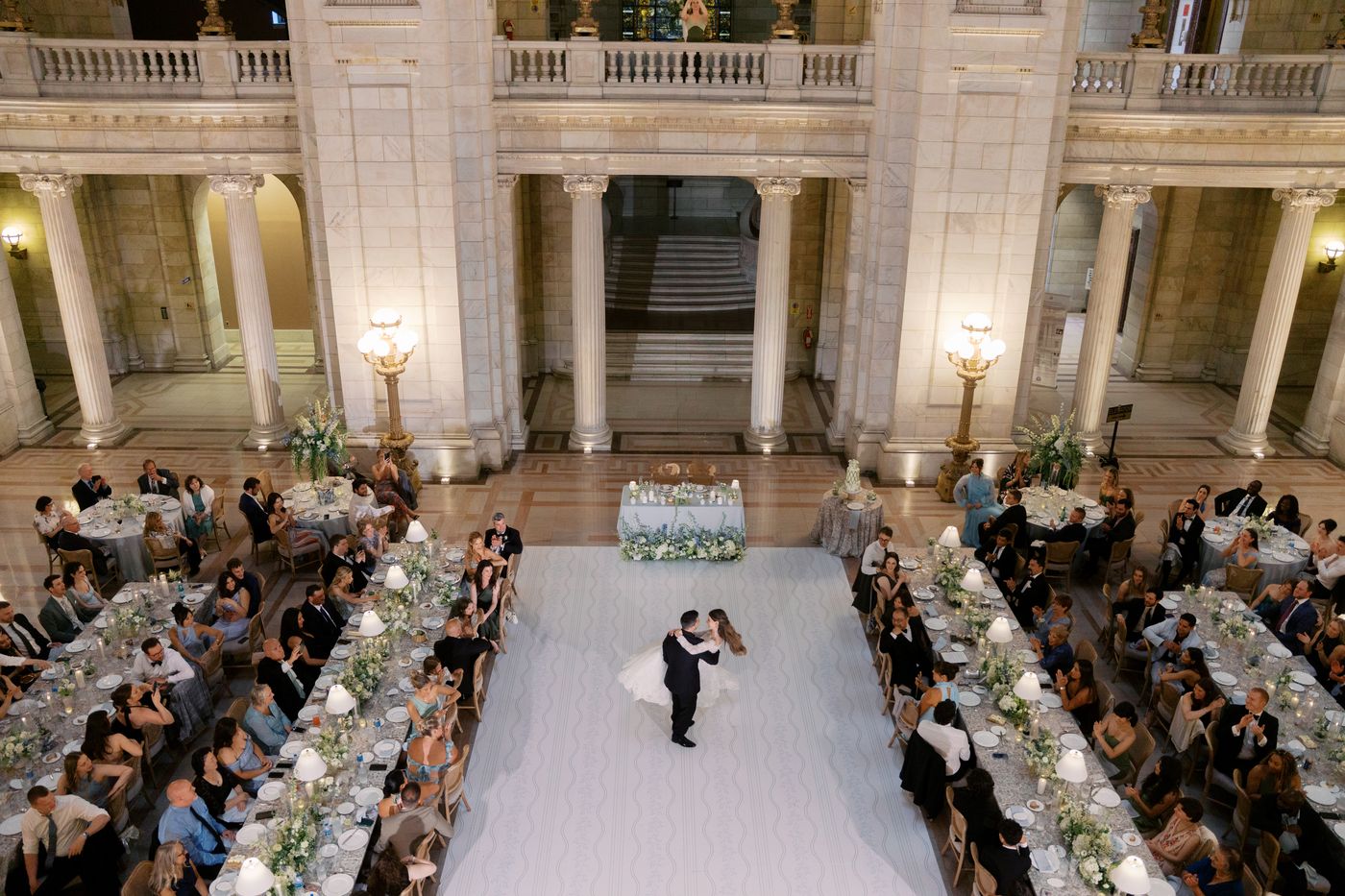
Most culling software just scans for the sharpest images. Cull AI Studio helps you preserve the precious ones — the tears during the toast, the closed-eye kiss, the blur of the first dance.

It clears the duplicates, blinks and missed focus on your own computer, then learns from every correction which frames you'd never let go. Every final call stays yours.

7 days · no credit card required

Install, point it at a shoot folder — your first cull is running in minutes

Weddings · portraits · sports · newborn · every kind of shoot

On your phone? We’ll email you the link for your computer — start your free trial there.

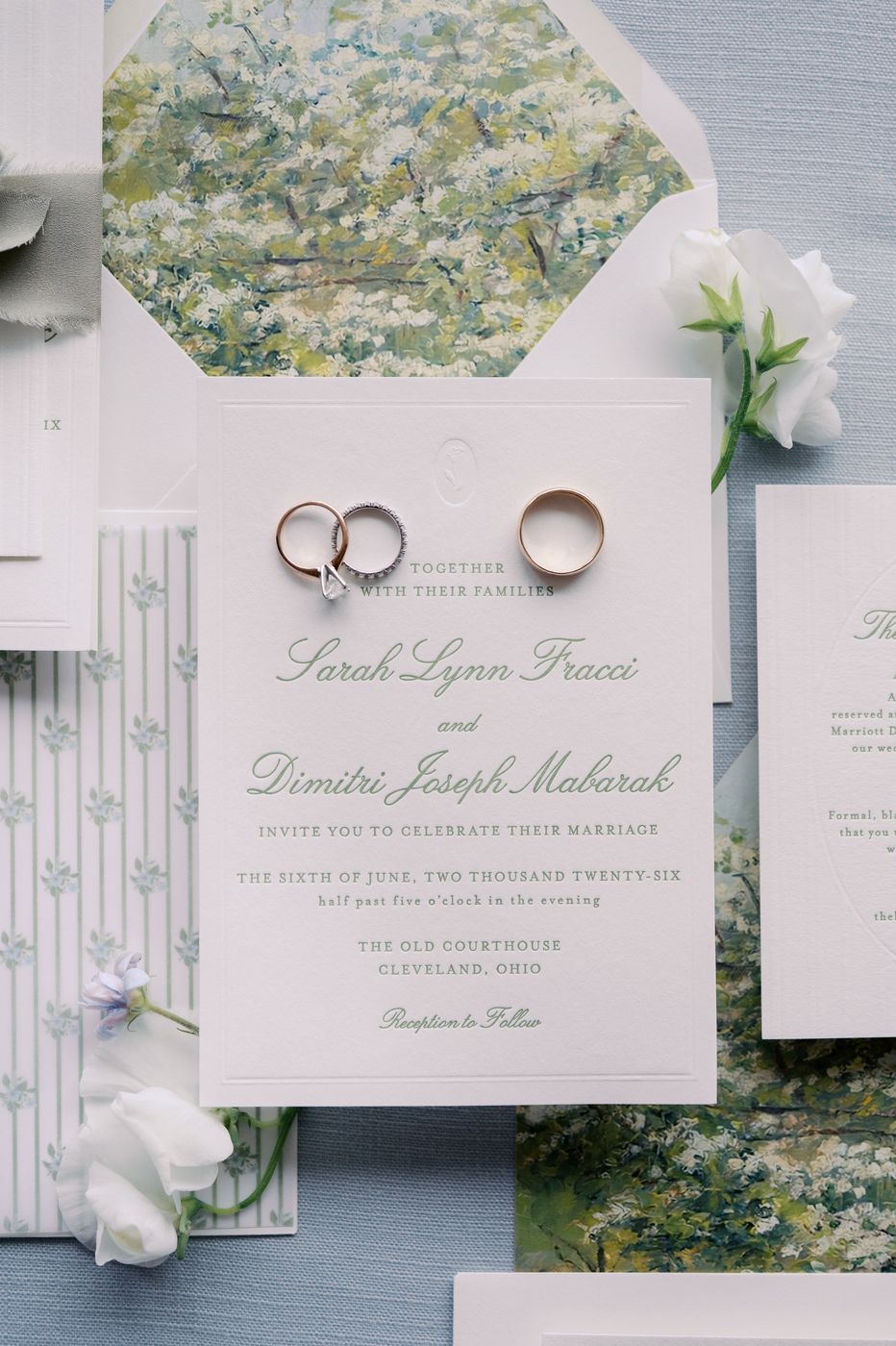
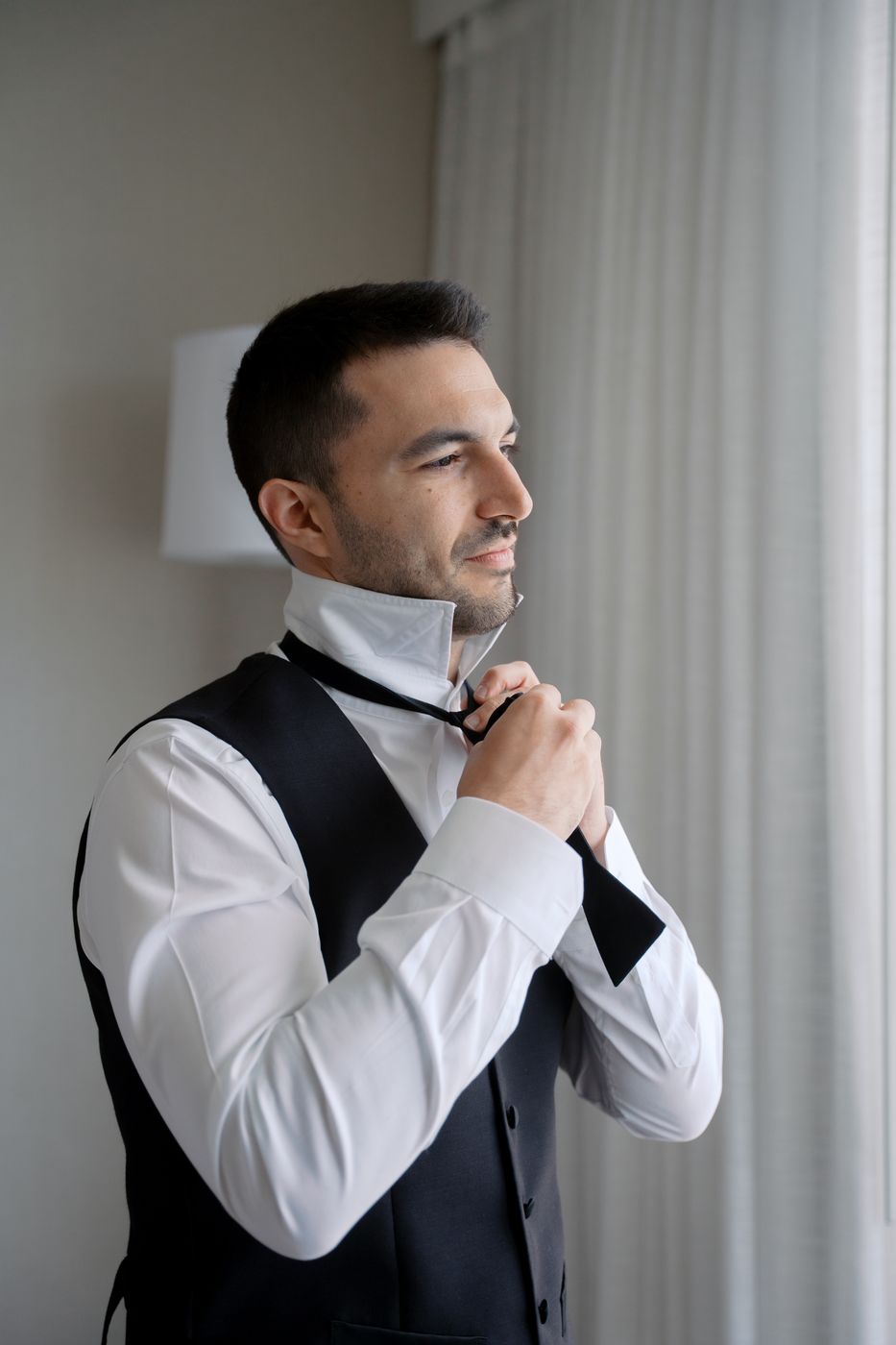
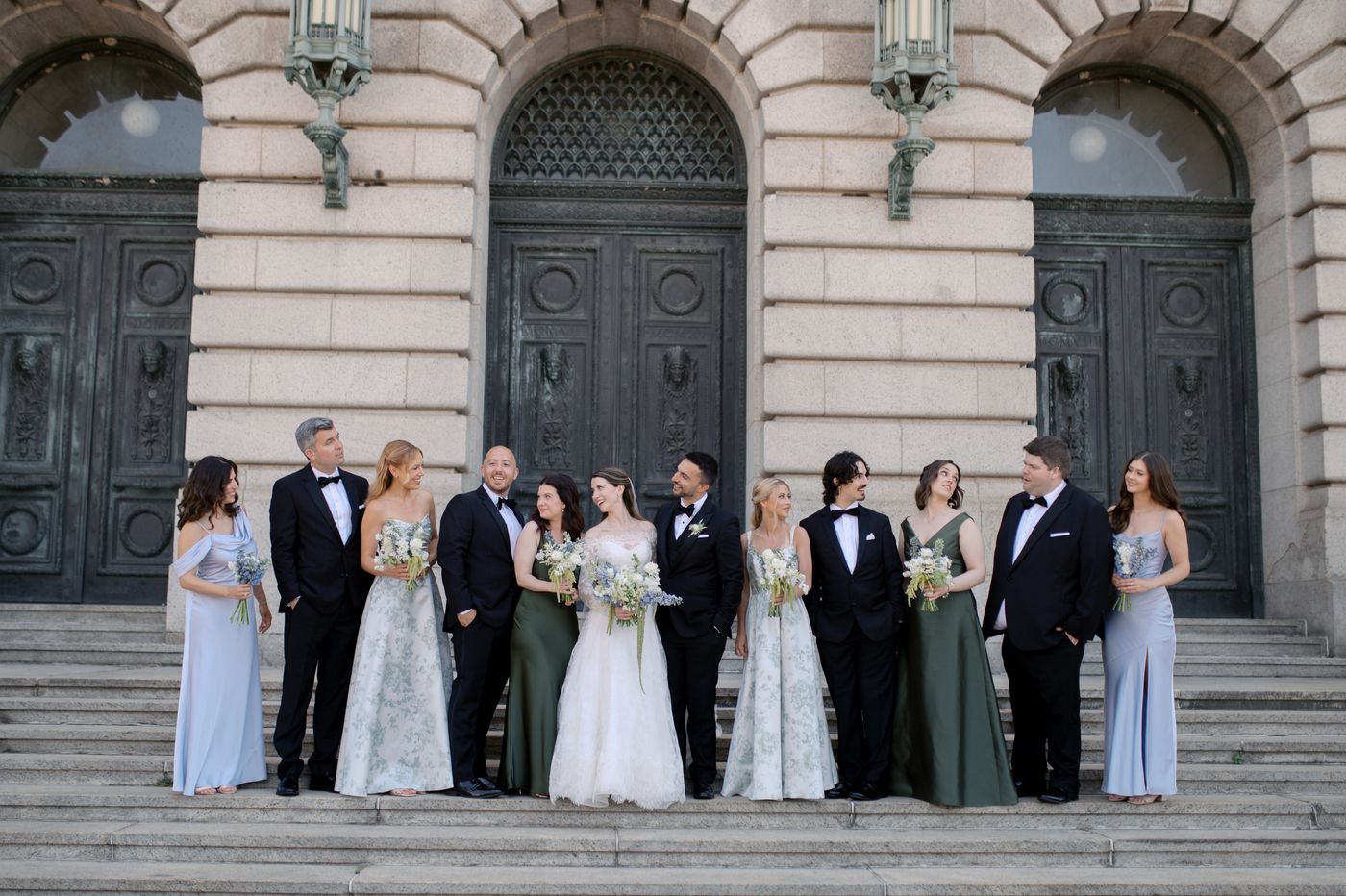
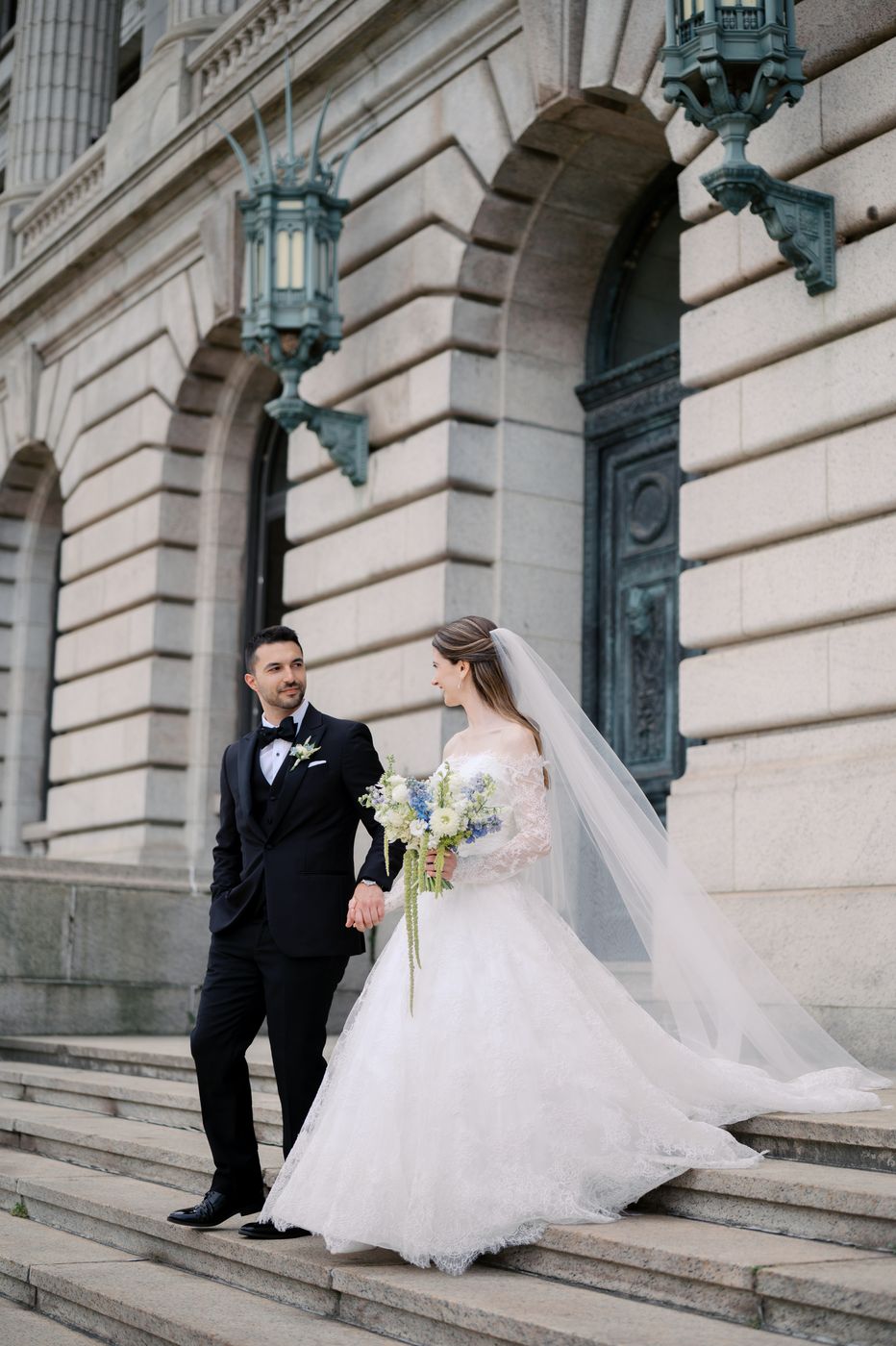
Wedding photography isn't just about choosing the sharpest image—it's about preserving the moments that tell the story.

What impressed me most about CullAI Studio was how well it kept emotional, meaningful images while still removing obvious duplicates and unusable shots. It gives me a thoughtful starting point without taking away my control over the final gallery.

— Kristin, Wedding Photographer
RAW from every major camera · Nikon · Canon · Sony · Fuji · DNG · JPEG · TIFF · PNG · RAW+JPEG pairs stay together · Lightroom XMP stars + labels · burst & duplicate grouping · full audit trail · rotating backups · works offline · macOS · Windows

Three steps, all on your machine.

Scan · review · export. The screens below are the actual app on a 5,483-frame wedding — not mockups. It sorts while you do anything else.

01 · scan

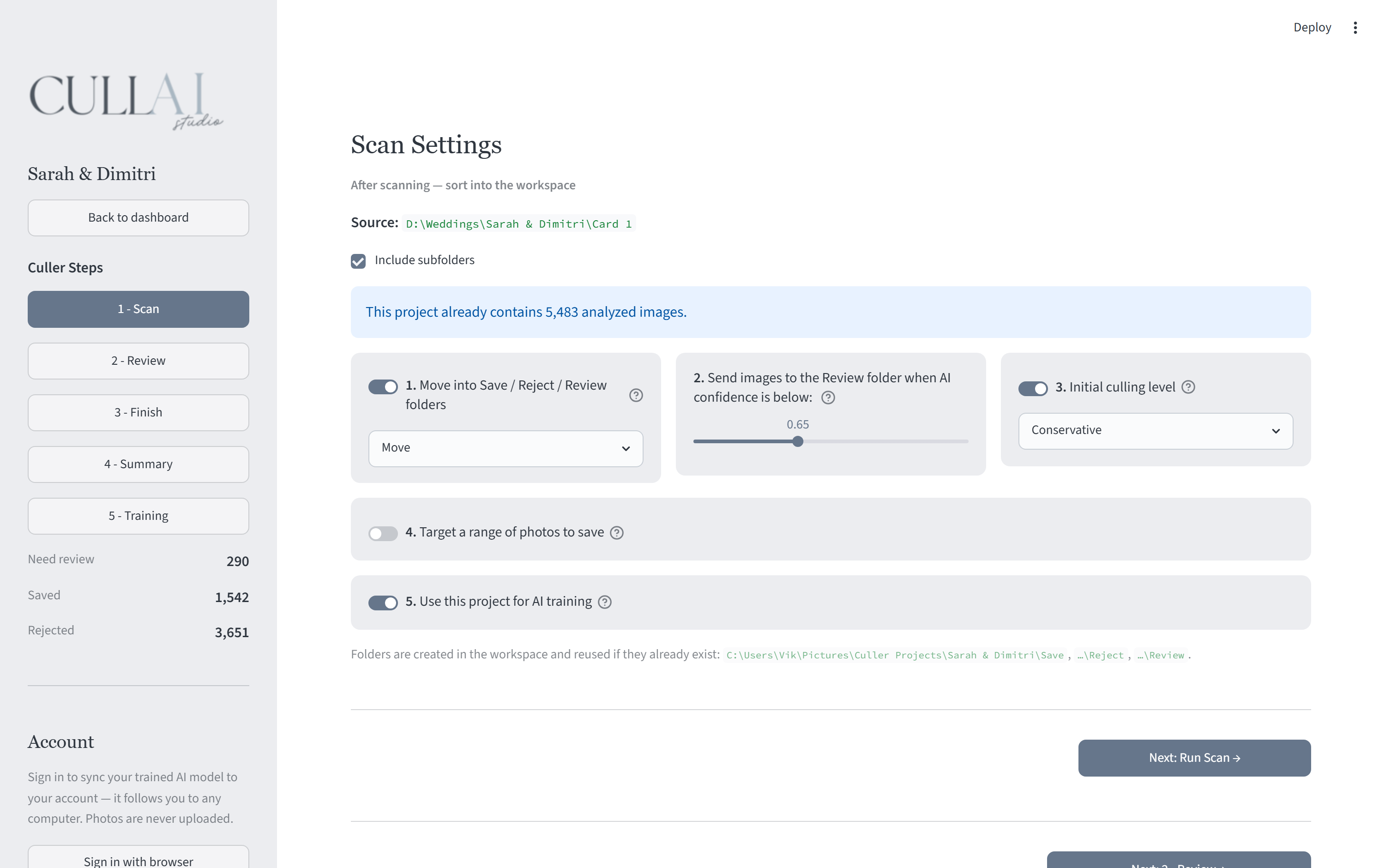
Point it at the wedding folder

RAW from all major camera brands, plus JPEG — pairs travel together. It analyzes every frame locally: sharpness, exposure, faces, eyes, bursts and duplicates. The best frame of a set steps forward, and every confident call is sorted straight into KEEP or REJECT. Your originals are never edited, never deleted.

The scan settings screen of a 5,483-frame wedding project

02 · review

You judge only the close calls

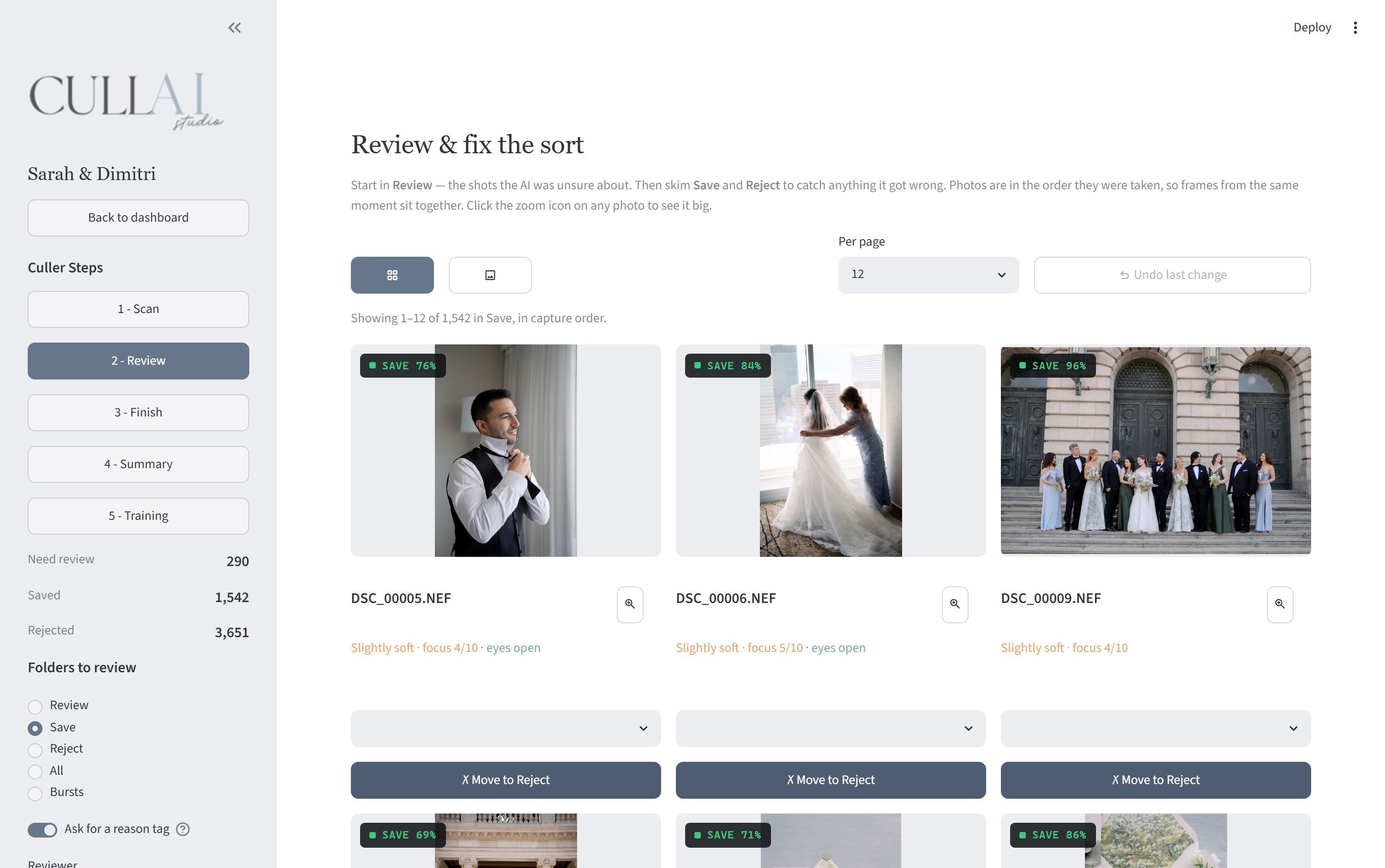
Every decision carries a confidence score. Anything under your bar lands in REVIEW — a short stack, not the whole wedding. Confirm or flip its calls in a fast grid with save/reject badges; the file moves on disk instantly, and every correction trains your model.

The review grid: per-photo AI calls with confidence scores and one-click Save and Reject

03 · export

Open Lightroom to a finished cull

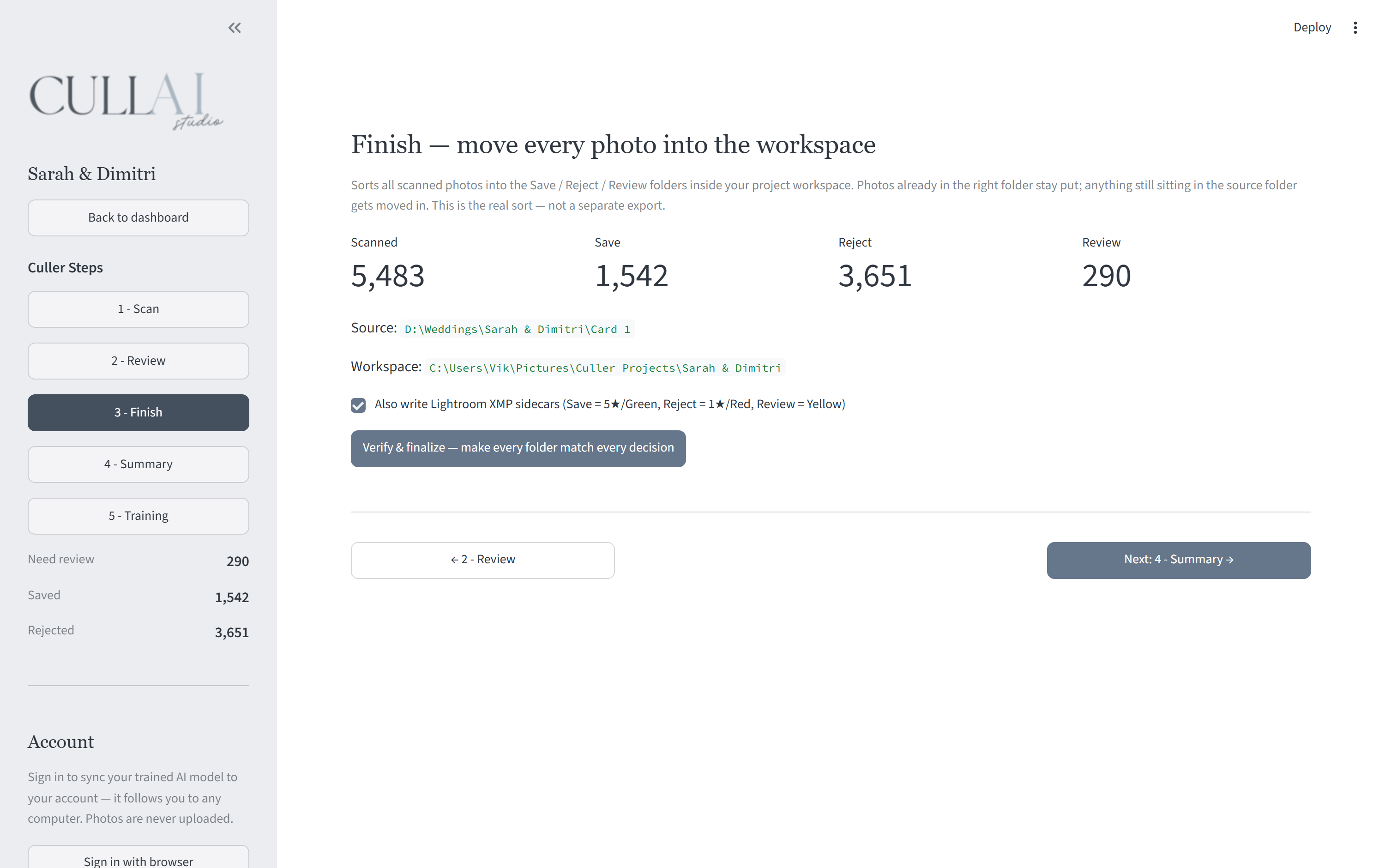
Your selects land in sorted folders, ready for your editing workflow — keepers rated 5★ with a green label, rejects 1★ red, the review pile flagged yellow, XMP sidecars written next to the files. A full audit trail records every decision, with backups taken before anything moves — nothing is touched without your say-so.

The finish screen: 5,483 photos sorted into 1,542 saved, 3,651 rejected, and 290 for review

Every frame gets a call.

Sharpness, exposure, blown or black frames, blinks, near-duplicate bursts — scored locally, stamped in seconds.

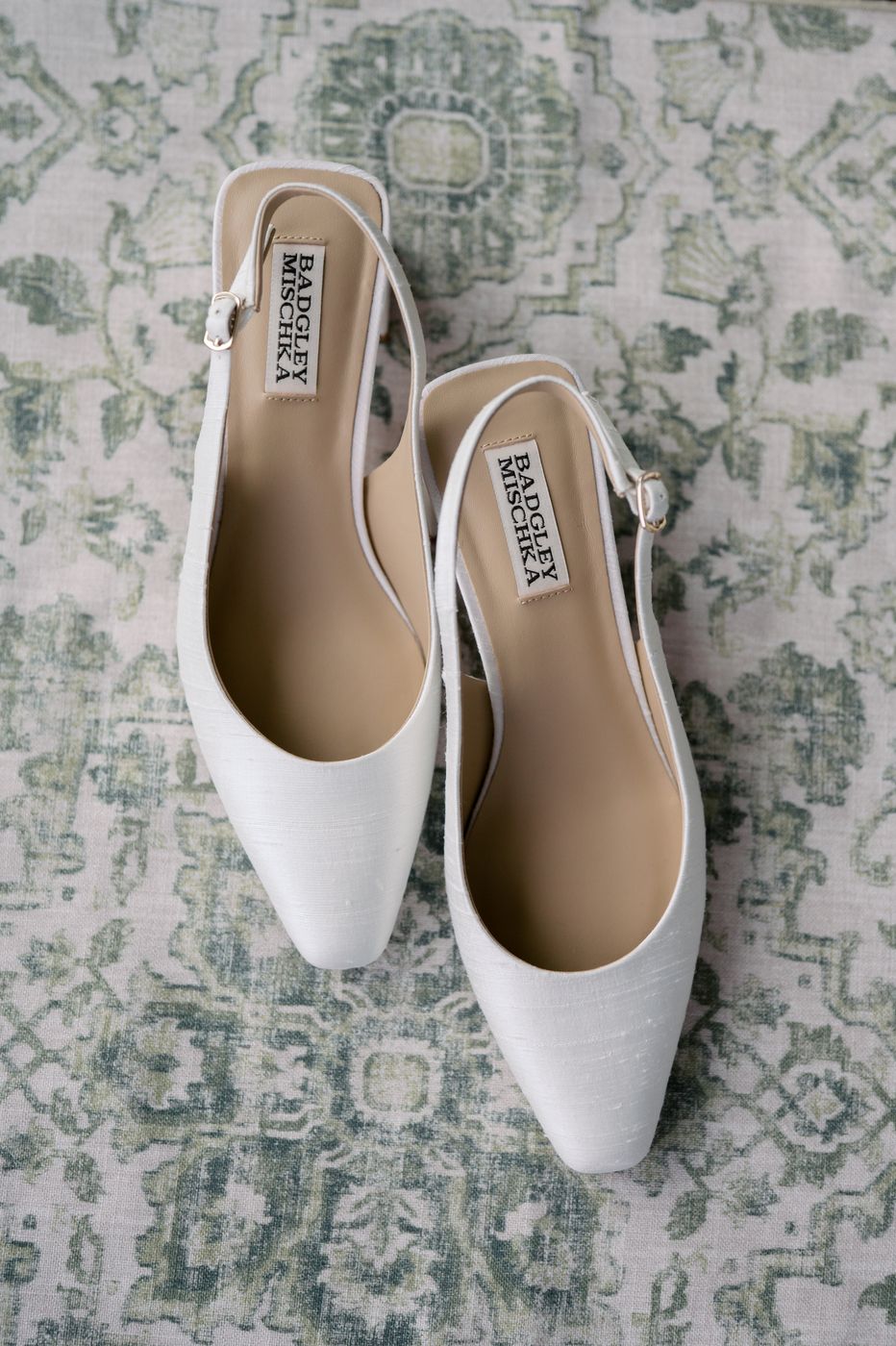
Sample wedding photoKEEP 97%
Sample wedding photoREJECT · soft
Sample wedding photoKEEP 96%
Sample wedding photoREVIEW 61%
Sample wedding photoKEEP 98%
Sample wedding photoREJECT · duplicate
Sample wedding photoKEEP 93%
Sample wedding photoKEEP 97%

It learns from you.

Most culling tools give every photographer the same brain — and when it gets your keepers wrong, it stays wrong. This one trains a personal model on your machine, so the next first pass looks like your last pass.

weight ×2

Every correction teaches it

Flip a save to a reject and tell it why — better expression, closed eyes, missed focus. It learns your reasons, not just your results, and your corrections count double in training.

yours · never shared

Your model is yours alone

It syncs with your account so it follows you to a new computer — and it's never shared with or blended into anyone else's. Every previous version stays safe.

candidate vs. current

New versions have to earn it

When your model retrains, it's tested against your own past decisions and only takes over if it scores better. You can always roll back.

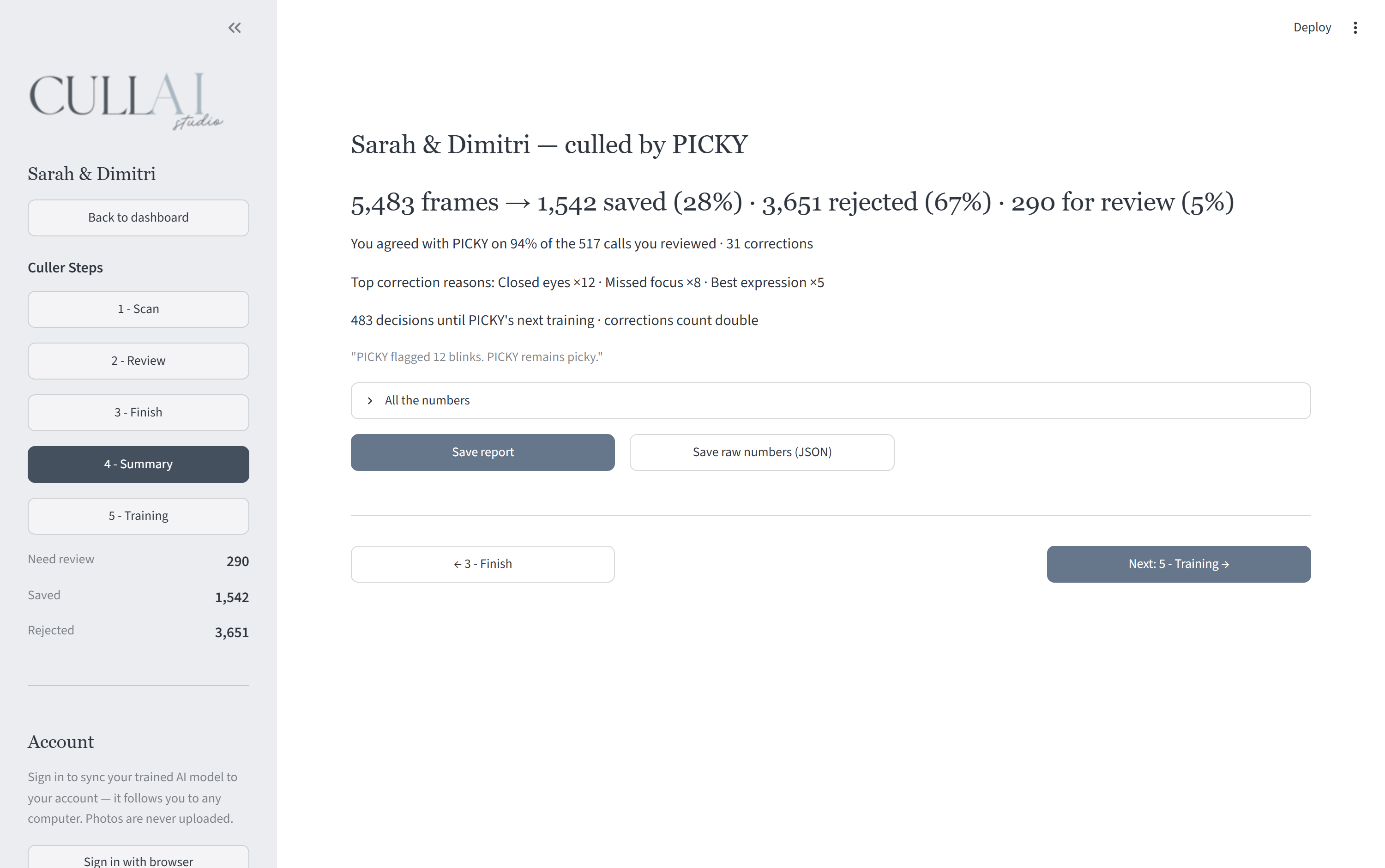
The post-cull report in the actual app: 5,483 frames — 1,542 saved, 3,651 rejected, 290 for review; 94% agreement across 517 reviewed calls, 31 corrections with their reasons, narrated by an AI named PICKY

After every wedding: what it got right, what you corrected, what it learned. Yours introduces itself on day one — keep the name, reroll it, or name it anything you like.

Your clients' photos never leave your computer.

Culling runs 100% locally — scanning, scoring, face and blink detection, training, all of it. No upload queue, no cloud processing, no “previews” quietly sent anywhere. Your account stores exactly two things, and neither is a photograph.

SYNCED TO YOUR ACCOUNT

  • Your trained model file
  • Your app settings

NEVER UPLOADED

  • Photos, RAWs, or previews
  • Per-photo keep/reject records

One plan.
Every shoot.

MONTHLY

$19.99/month

7-day free trial · no credit card required · cancel anytime

ANNUAL · SAVE 33%

$159/year

7-day free trial · no credit card required · two months free

7 days · no credit card required

Questions, answered.

Do my photos ever leave my computer?

No. Scanning, AI scoring, face detection, and training all run locally on your machine. The website only sees your subscription status, signed-in devices, and (if you sync it) your trained model file — never a photo, never a thumbnail.

How does the AI learn my style?

It starts with a sharp general eye (focus, exposure, blinks, duplicates). Every correction you make is recorded, and once about a thousand of your real decisions are on file, it trains a personal model — on your computer — that culls the way you do. A new model must beat your current one on your own past decisions before it takes over, and you can always roll back.

Can I name my AI?

Yes — it introduces itself with a name the first time you open the app, and you can keep it, reroll it, or type your own. The name syncs with your account, so it follows you across computers. Or keep rerolling until you meet PANCAKE.

Which cameras and file formats work?

RAW from every major brand — Nikon, Canon (including CR3), Sony, Fujifilm, Olympus, Panasonic, Pentax, and DNG — plus JPEG, TIFF, and PNG. RAW+JPEG pairs are detected and always travel together.

Does it work with Lightroom?

Yes. Keepers arrive rated 5★ with a green label, rejects 1★ red, and review shots flagged yellow — written as XMP sidecars next to your files. Open your catalog and the cull is already there.

How does the free trial work?

7 days, full features, no credit card required — create an account with just an email and password and download the app immediately. When the trial ends, access pauses; add a card then (through Stripe) only if you want to keep culling. Nothing is ever charged during the trial because there's no card on file to charge.

Does it work without internet?

Yes — culling is fully offline. The app just needs to verify your subscription once a week, so shooting and culling on location is no problem.

Shoot Saturday.
Deliver sooner.

7 days · no credit card required · unlimited shoots · photos stay home

On your phone? We’ll email you the link for your computer — start your free trial there.